
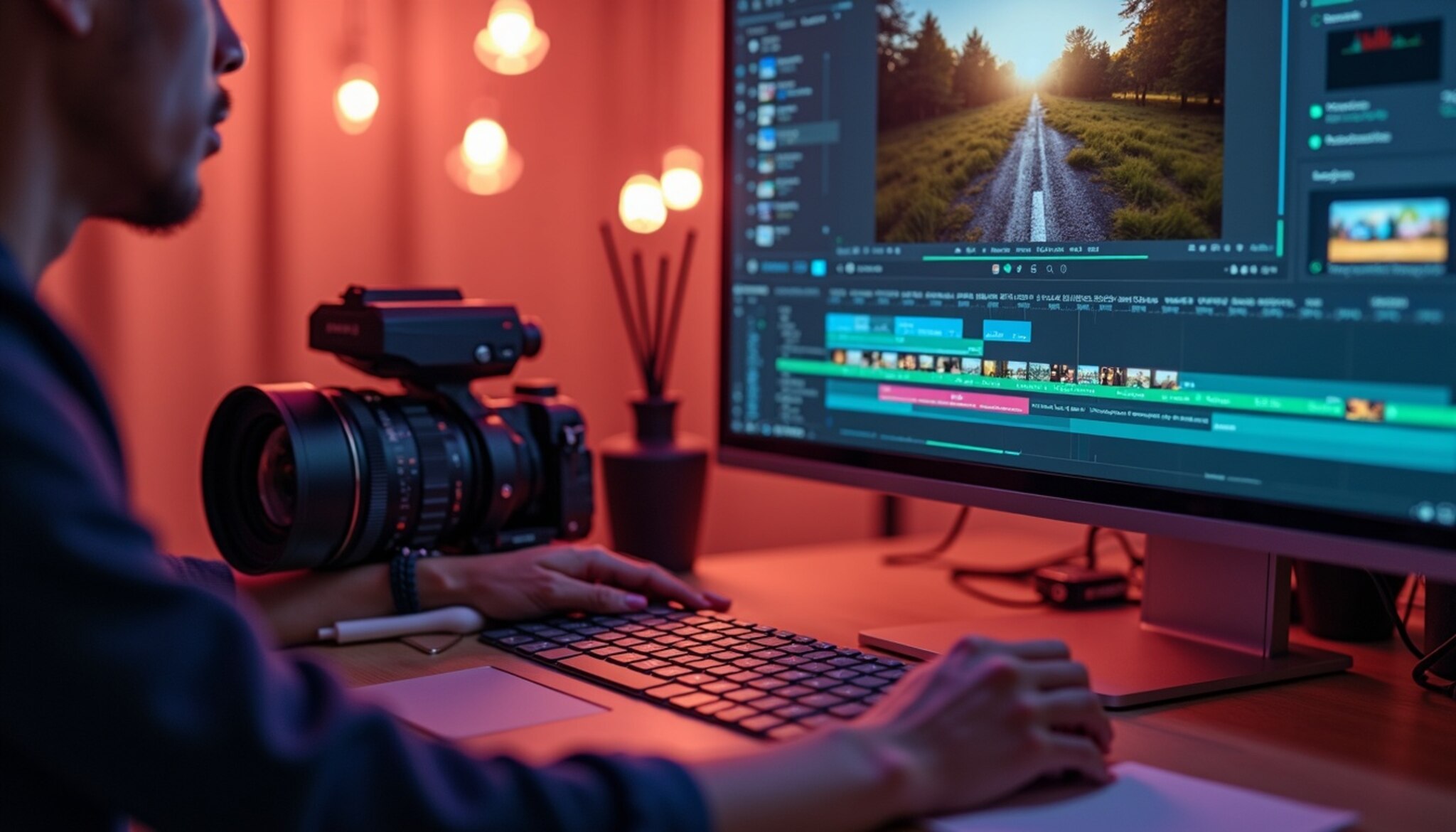
Introduction to Video Editing Hacks
Video editing is not just about cutting and merging clips – it’s an art form that requires creativity, technical skills, and a keen understanding of what captures an audience’s attention. To create videos that potentially go viral, especially on platforms like YouTube, certain editing hacks can be tremendously effective. These hacks are specialized techniques and strategies that enhance storytelling, engagement, and overall video quality, encouraging shares and views. According to a recent study, videos that incorporate unique and professional editing techniques have a 40% higher likelihood of being shared than unedited ones.
The Basics of Video Editing
To start, having a solid foundation in the basics of video editing is crucial. The primary role of video editing tools and software is to construct a narrative that captivates your audience from the first second to the last. Essential video editing features include:
- Cuts: This basic yet powerful editing technique involves removing unwanted parts of your footage to keep the narrative moving. Strategic cuts help maintain pace and rhythm in your video.
- Transitions: These are used to smoothly switch from one scene to another. From fade-ins, wipe transitions to more dynamic ones like zoom transitions, they can set the mood and keep viewers engaged.
- Color Grading: Color correction and grading alter the visual tone of your video. It’s essential for creating atmosphere and can significantly impact the emotional response from your audience.
Choosing the Right Editing Software
Selecting the right software is pivotal in crafting content that resonates with viewers. Let’s look at some popular options:
- Adobe Premiere Pro: Known for its robust capabilities, it caters to professionals seeking extensive features and compatibility with other Adobe products.
- Final Cut Pro: Preferred by Mac users, this software offers powerful editing tools in a more intuitive design, making it excellent for editors at all skill levels.
- DaVinci Resolve: Apart from video editing, it offers advanced coloring options and is free for its basic version, which is perfectly suitable for beginners.
Each software has its pros and cons, so your choice should depend on your specific needs, budget, and the level of technical complexity you are ready to handle.
Crafting Engaging Openings
The first few seconds of your video can make or break its chance of going viral. Engagement metrics demonstrate that most viewers decide whether to continue watching a video within the first 10 seconds. To craft compelling openings:
- Start with a hook: something surprising, emotionally engaging, or a bold statement that grabs attention.
- Preview the benefits: briefly hint at what the viewer will gain by watching your video.
- Use high-quality visuals right at the start: striking images or vibrant colors help keep the eyeballs glued.
Incorporating High-Quality Visual Effects
Visual effects can elevate the aesthetic of your video dramatically. High-quality effects like slow motion, time-lapse, or even simple animated infographics can help explain your point more effectively or make your narrative more interesting. Several software tools and apps allow adding these effects without needing high-end equipment.
Using Music and Sound Effects
Audio is another critical element in video editing. The right background music and sound effects enhance the emotional atmosphere and can significantly impact viewer engagement. Selecting royalty-free music is crucial unless you have permission or the budget to license tracks. Websites like Free Music Archive or AudioBlocks offer extensive libraries of tracks that you can use safely.
Enhancing Video Narratives with Storytelling
Editing is fundamentally about storytelling. A compelling narrative structure, defined by the arrangement of your clips and the pace at which you reveal information, can keep viewers interested. Always aim to create a storyline that makes viewers curious about what’s upcoming, thereby maintaining a compelling flow.
Here’s how you can enhance your video narratives:
- Maintain a consistent theme and message throughout your video.
- Employ pacing wisely – mixing longer, detailed sequences with quick, engaging segments.
- Place critical information upfront and then delve deeper as the video progresses.
Visual Storytelling Techniques
Visual storytelling is not just about what you show but how you show it. Techniques such as match cuts or mimicry can significantly affect how the story is perceived. Using continuity editing strategies such as match on action or graphic match ensures that despite the cuts, the story feels seamless and integrated.
Popular Video Editing Tools and Effects
In addition to selecting the right editing software, familiarizing yourself with various tools and effects can elevate your video quality. Here we will explore some commonly used tools and effects that can enhance your editing process:
- Keyframes: Using keyframes allows for precise control over the timing and motion of visual effects, transitions, and audio elements within your video. By setting keyframes at specific points, you can efficiently animate an object or effect to create dynamic transitions.
- Motion Graphics: Incorporating motion graphics can add engaging elements to your video, such as text animation and stylized graphics that capture attention. Tools like Adobe After Effects offer extensive libraries for creating dynamic motion graphics.
- Stabilization: Shaky footage can detract from the quality of your video. Most editing software comes equipped with stabilization features that can smooth out shaky shots, offering a more professional look.
- Split Screens: Utilizing split screens allows you to display multiple video clips simultaneously. This technique engages viewers and can convey contrasting perspectives or parallel storylines effectively.
Common Mistakes to Avoid in Video Editing
Even seasoned editors may fall victim to common pitfalls in the editing process. Recognizing these mistakes can save you time and enhance your video quality. Here are some errors to avoid:
- Overusing Effects: While effects can be compelling, overusing them can distract the viewer from the main narrative. Moderation is key—the goal is to complement the story, not overshadow it.
- Poor Audio Quality: Visual quality may capture attention, but poor audio can drive viewers away. Always prioritize clear narration and balanced audio levels to maintain engagement.
- Neglecting the Audience: Always consider who your audience is and tailor your content to meet their expectations and preferences—failing to address your viewers directly can lead to disengagement.
- Skipping the Review Process: Always take time to review your edits before finalizing. Caught errors or may notice areas for improvement that you initially overlooked.
Advanced Editing Techniques
As you gain confidence in your video editing skills, consider exploring more advanced techniques to further enhance your content:
- Layering: Layering audio tracks, video clips, and graphics can create a rich tapestry of visual storytelling. Experimenting with transparency and blend modes adds depth and complexity to your narrative.
- Color Grading: Diving deeper into color grading can transform the emotional impact of your film. Experiment with LUTs (Lookup Tables) to apply a cohesive color palette across your footage.
- Non-linear Editing: This technique allows for greater flexibility in how scenes can be arranged and manipulated. Non-linear editing software enables you to adjust sequences creatively without following a linear progression.
- Editing for Different Platforms: Understand the specifications for various platforms and adjust your content accordingly. Each platform may favor different video lengths, formats, and styles for optimal engagement.
Staying Relevant with Trends and Innovations
The world of video editing is continually evolving, with new techniques, trends, and technologies emerging regularly. Always strive to stay updated on the latest developments in the industry. Engaging with communities, participating in workshops, and following influential creators can help you stay informed.
Additionally, consider the following strategies:
- Follow Popular Creators: By observing successful videographers and editors, you can glean valuable insights into what resonates with audiences and adapt those elements into your style.
- Experiment Regularly: Don’t hesitate to explore novel editing styles or techniques. Regularly experimenting with your editing can inspire creativity and innovation.
- Engage with Feedback: Actively seeking feedback from peers or your audience will help you pinpoint areas for improvement and recognize what elements are working well.
With these techniques and insights into video editing, you can significantly enhance your ability to create compelling, engaging videos that capture and retain audience attention, driving views and shares across platforms. Emphasizing creativity while honing your technical skills will enable you to tell impactful stories through video, tapping into the vast potential of this dynamic medium.
Utilizing Data and Analytics in Video Editing
Successful YouTube creators often leverage data and analytics to refine their video editing techniques. By understanding which videos gain traction and why, specific metrics play a critical role in content adaptation and improvement. Recent statistics indicate that over 500 hours of video are uploaded to YouTube every minute, making it essential for content creators to stand out (Source: YouTube). Tools like YouTube Analytics provide immense insights, offering metrics such as watch time, viewer demographics, and interaction rates, which are crucial for optimizing future videos.
A/B Testing for Video Edits
A/B testing, or split testing, is a valuable method for determining effective video elements. This involves creating two versions of the same video with one varying element, such as a different intro length or thumbnail image, to see which performs better. For instance, a recent case study by a popular YouTube tech reviewer showed a 20% increase in engagement rates by simply altering the call to action’s placement at the beginning rather than at the end of the video. Such testing can significantly refine the editorial decisions and boost a video’s chance to go viral.
Understanding YouTube’s Algorithm
Grasping how YouTube’s algorithm works can help editors craft content that garners more visibility and engagement. The platform’s algorithm prioritizes viewer retention, engagement signals like comments and likes, and relevance to the user’s viewing history. Editing techniques aligning with these factors include creating compelling hooks within the first few seconds of the video, using high-quality transitions, and maintaining a rhythmic flow that keeps the viewer interested throughout. According to recent findings, videos that maintain a retention rate above 50% are favored in search results, providing an incentive to develop engaging content that captivates viewers from the onset.
Collaboration and Networking in the Editing Community
Engagement within the video editing community can offer numerous benefits, including shared resources, feedback, and collaboration opportunities. Platforms such as Video Editors’ Hub on Facebook or forums on MZed provide environments where creators discuss techniques, software, and content trends. Networking can also lead to collaborative projects which tend to gather attention from diverse viewer bases, thereby increasing the probability of a video going viral. A recent collaboration between several smaller channels on a trending topic resulted in a noticeable spike in subscribers for each participant, illustrating the power of community in content creation.
Creating Attention-Grabbing Thumbnails
An effective thumbnail works as a gateway to increase viewer curiosity and click-through rates. Characteristics of a successful thumbnail include high contrast visuals, facial closeups, and emotive or action-packed scenes. Tools like Canva or Adobe Spark help streamline thumbnail creation with templates and editing features aimed at maximizing visual appeal. Research shows that thumbnails featuring bright colors and expressive faces can boost click-through rates by up to 45%, dramatically increasing the chances of a video being watched. Thumbnails should align with the overall content of the video and evoke curiosity without misleading potential viewers.
Marketing Your Viral Videos
The promotion of YouTube videos through various channels plays a pivotal role in reaching a broader audience. Strategies include cross-promoting videos on social media platforms such as Twitter and Facebook, engaging with viewers through comments, and optimizing video tags for search relevance. For instance, a video titled “10 Life Hacks for Home Organization” can leverage blog posts or Pinterest boards for additional viewer traffic. Additionally, utilizing paid advertising on platforms like Facebook or Instagram can significantly enhance visibility, as recent data suggests that ads can increase video views by more than 170% when targeted correctly.
Concluding Thoughts on Going Viral
Making a YouTube video go viral involves more than just luck; it requires a deep understanding of video editing techniques, audience preferences, and digital marketing strategies. Continually experimenting with new ideas and staying updated with industry trends are essential for anyone looking to make their mark in the video content space. The key to success lies in analyzing past performances, adapting strategies accordingly, and maintaining a connection with the audience through authentic and engaging content.
FAQs
1. What are the key components of a viral video?
Compelling content, strong storytelling, high engagement rates, strategic thumbnails, and a clear understanding of the platform’s algorithm are all vital for viral success.
2. How do I choose the right editing software?
Select software that suits both your budget and editing needs, whether it is premium options like Adobe Premiere Pro or more budget-friendly choices like HitFilm Express.
3. What editing techniques can help engage viewers?
Techniques such as jump cuts, consistent pacing, engaging hooks, and proper synchronization of visuals and music can significantly enhance viewer engagement.
4. Why is storytelling important in video editing?
Storytelling helps to connect emotionally with the audience, making content more memorable and impactful.
5. What role does YouTube analytics play in video editing?
Analytics help you understand what works and what does not, allowing you to adapt your content to better meet your audience’s preferences and viewing behaviors.
By applying these advanced techniques and continuously adapting to changes in viewer behavior and platform algorithms, video editors can enhance their chances of creating content that resonates with audiences and potentially goes viral. For more detailed insights, refer to tips to go viral, the YouTube marketing guide, or learn more about video editing at learn video editing.
To conclude, continual learning, adaptation, and active engagement within the community are key to ensuring that content remains relevant and appealing to prospective viewers. Understanding the intricacies of viewer preferences through metrics can guide the editing direction, ultimately leading to more successful videos in an increasingly competitive landscape.
Leave a Reply